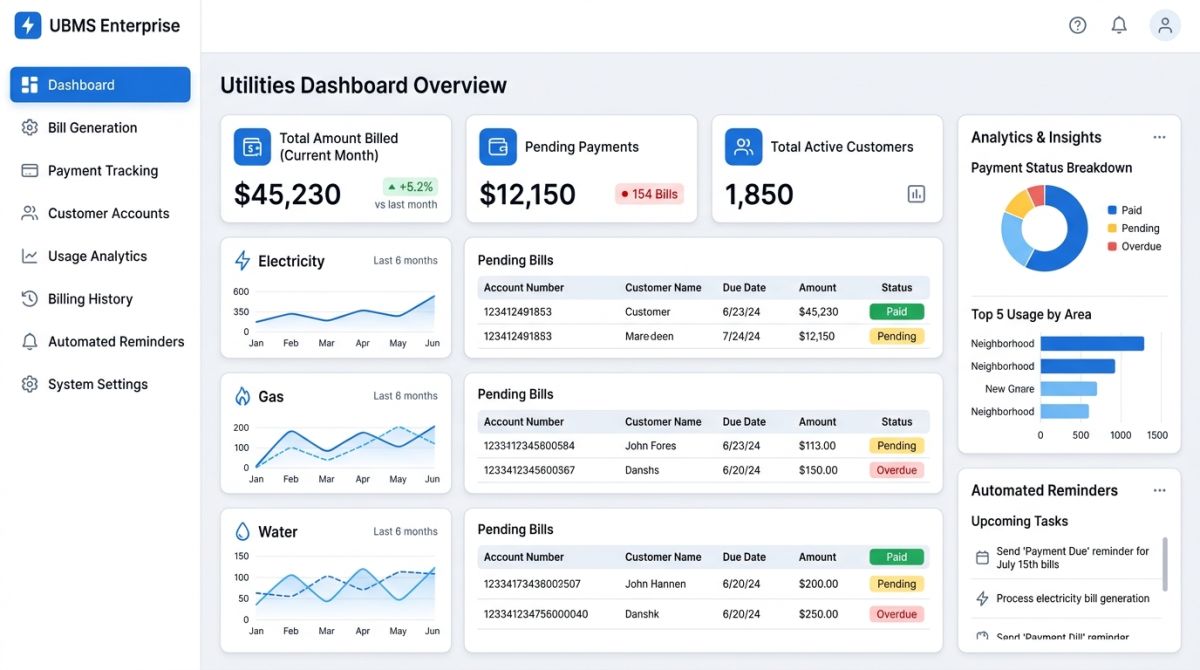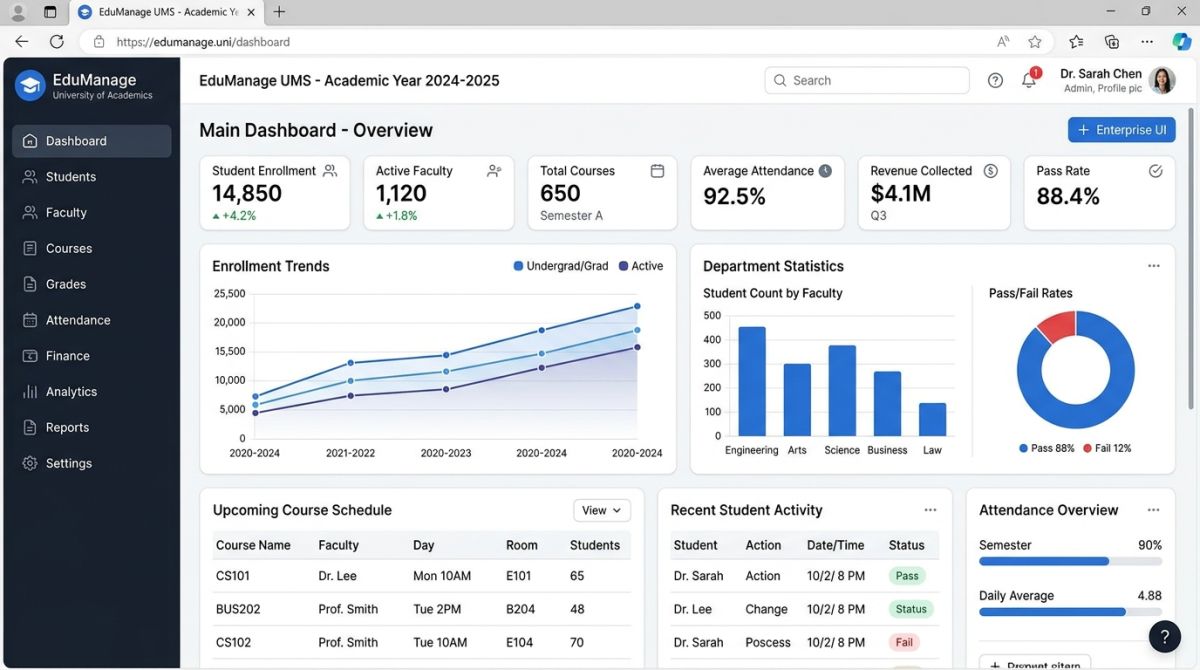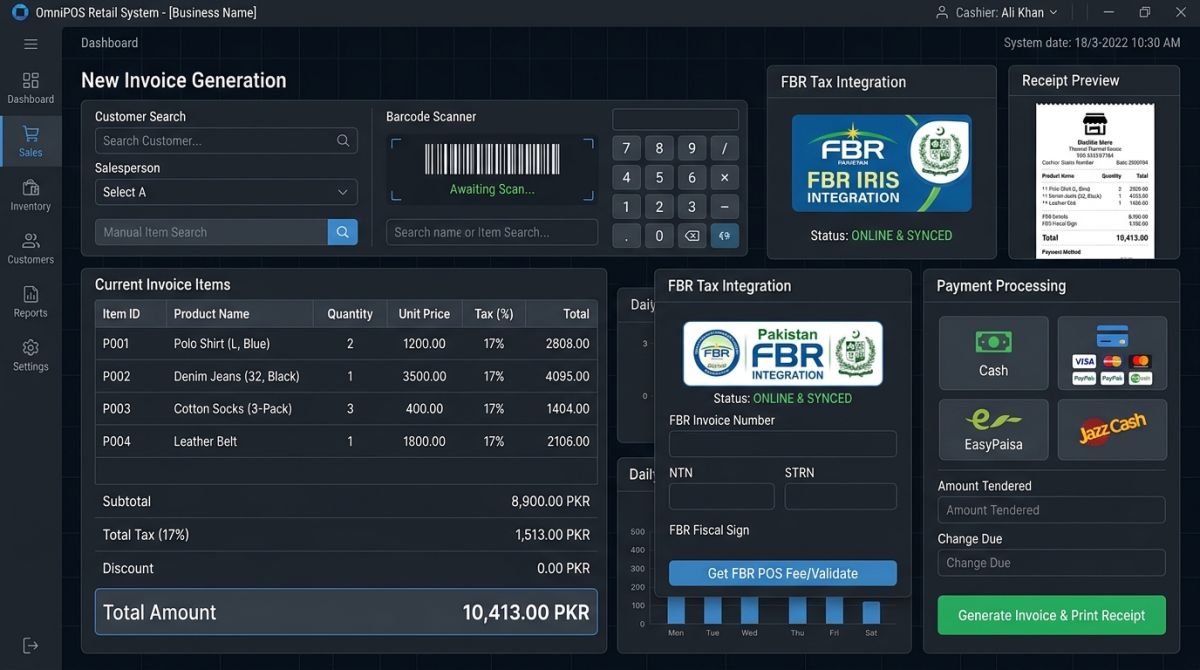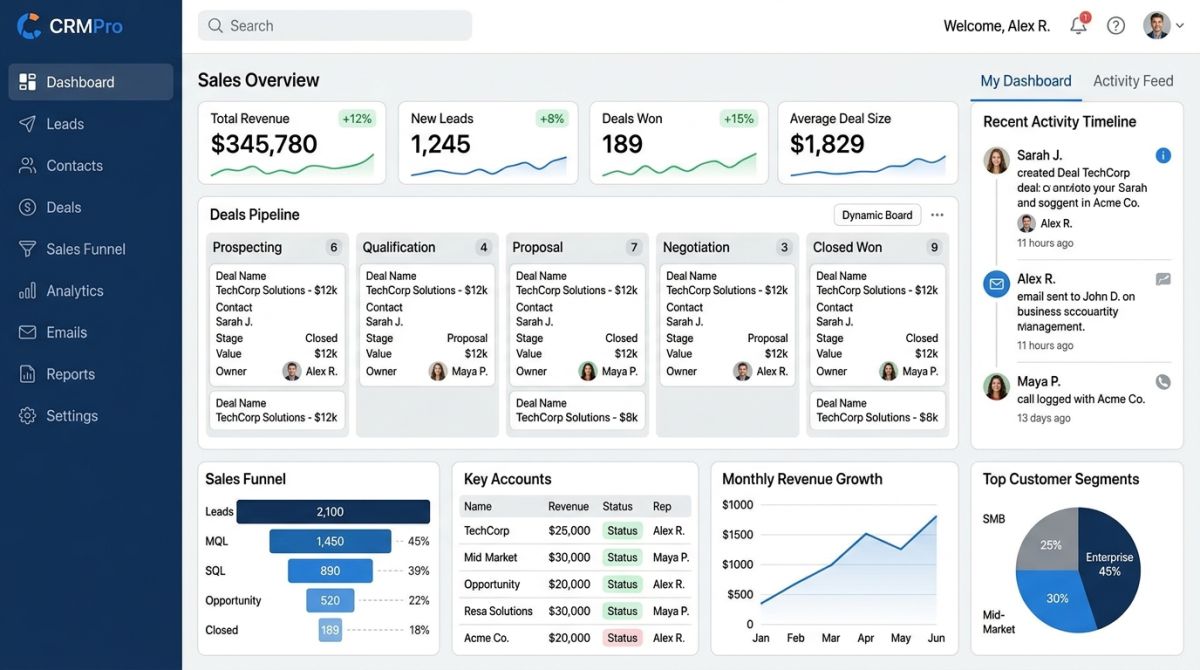
A practical checklist for choosing business software in Pakistan: FBR compliance, true cost, power cuts, data ownership, support, and vendor demos.
Buying business software is easy. Living with the wrong choice is expensive. The cost is rarely just the licence: it's months of staff time, messy data, and the disruption of starting over. This checklist will help you compare options before you commit, whether you are looking at a POS, a CRM, an ERP or a custom system.
1. Define the problem before looking at products
"We need an ERP" isn't a requirement. "We don't know our real stock across three branches until the end of the month" is. Write down your three to five biggest problems, along with who is affected and what each one costs you. Then separate what you must have from what would be nice to have. Without this list, you'll end up choosing the vendor with the best presentation.
2. Check Pakistani compliance
This is where imported software often falls short. Ask directly:
- Does it support the FBR requirements that apply to your business? Depending on your category, that may mean POS integration or digital invoicing.
- Can tax rates be changed without paying for a developer? Finance acts change them regularly.
- Can it handle withholding tax and produce the reports your accountant needs?
Ask the vendor to show you this working, rather than accepting "yes, it's compatible". Confirm what applies to you with your tax advisor, because the responsibility stays with your business, not the software company.
3. Plan for real conditions
A demo in a quiet office with fast internet tells you little. Think about your actual working day:
- Internet and power cuts. Can a counter keep billing during an outage? What happens to the data when the connection returns?
- Your hardware. Will it run on your computers, thermal printers and barcode scanners, or do you need to buy new ones?
- Your people. Can staff use it with little training? Does it need Urdu labels?
- Local payments. Does it record cash, cards, bank transfers, JazzCash and EasyPaisa separately?
- Your workflow. Does it support credit customers, cheques or multiple branches, if you use them?
4. Compare the true cost
A low starting price can become the most expensive option. Compare the total cost over three years, including all of these:
| Cost | Question to ask |
|---|---|
| Licence or subscription | Per user, per branch or fixed? Priced in rupees or dollars? |
| Setup | What do installation and configuration cost? |
| Data migration | Who moves your existing data, and at what price? |
| Training | Is it included? What about new staff later? |
| Customisation | What's the rate for changes, and who owns the result? |
| Annual support | What's covered, and how much will it rise each year? |
| Hosting and hardware | Server, backups, printers and scanners |
| Your team's time | Who enters data and tests during the changeover? |
5. Off-the-shelf, cloud or custom?
| Type | Good when | Watch out for |
|---|---|---|
| Ready-made | Your process is fairly standard, and you want a quick start | You may have to adapt to the software |
| Cloud subscription | You want no server to manage and access from anywhere | Depends on internet; ongoing fees; check how you get your data out |
| Custom-built | Your process is unusual or gives you an advantage | Higher starting cost; needs clear requirements and a developer you can rely on |
A common middle ground is a ready-made product that can be customised, so you only pay for the differences.
6. Protect your data
Your customer, sales and accounts data are worth more than the software. Before signing, get clear answers to these questions:
- Who owns the data, and can you export it in a usable format at any time?
- Where is it stored, how often is it backed up, and has a restore been tested?
- Does each user have their own login, with permissions by role?
- Is there a log of who changed what? This matters for preventing fraud.
- What happens to your data if you stop paying, or if the vendor closes?
For custom software, also ask who owns the source code, and whether it will be handed over or held in escrow if the developer becomes unavailable.
7. Check the vendor, not just the software
You're starting a long relationship, so check who you'd be dealing with. Speak to at least two existing customers in a similar business, chosen by you where possible. Ask what went wrong and how quickly it was fixed. Agree support hours, including how to get help during your busiest periods, and put response times in writing. Find out how often the product is updated, particularly when tax laws change.
8. Run a demo using your own scenarios
Don't let the vendor run a rehearsed presentation. Give them three or four of your real situations in advance, for example: "A customer returns one item from a discounted invoice paid partly on credit." Watch how many steps it takes, and have the staff who will actually use the system attend. They'll notice things that managers miss.
9. Score your options
Rate each vendor from 1 to 5 against the same criteria, weighted by what matters most to you. This keeps the decision from being swayed by whoever presented last.
| Criterion | Weight | Vendor A (1–5) | Vendor B (1–5) |
|---|---|---|---|
| Solves your must-have problems | 30% | ||
| Compliance and tax handling | 20% | ||
| Three-year cost | 20% | ||
| Support and vendor reliability | 15% | ||
| Ease of use for your staff | 15% |
10. Start small
Before you roll out everywhere, try one branch or department. Get milestones and payment stages in writing, along with who is responsible for each step. A vendor who is confident in their product should have no objection.
If you'd like a second opinion, ShahParzSoft builds POS, ERP, CRM, university and electricity billing software for Pakistani businesses. Tell us your top problems and we'll tell you honestly whether one of our products fits.